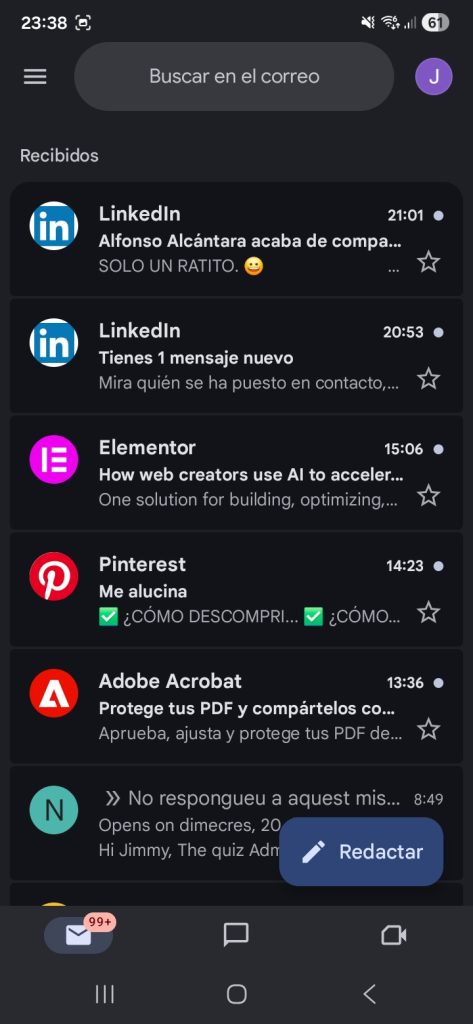
To get started, I launched the Gmail app on my mobile device and logged into my profile. After that, I tapped the menu button in the upper left corner to navigate to the settings area.
Once there, I turned on the synchronization feature. This guarantees that any new emails or instant messages are pushed straight to my phone automatically.
Lastly, I tweaked my alert preferences so I only get notified about truly critical messages.